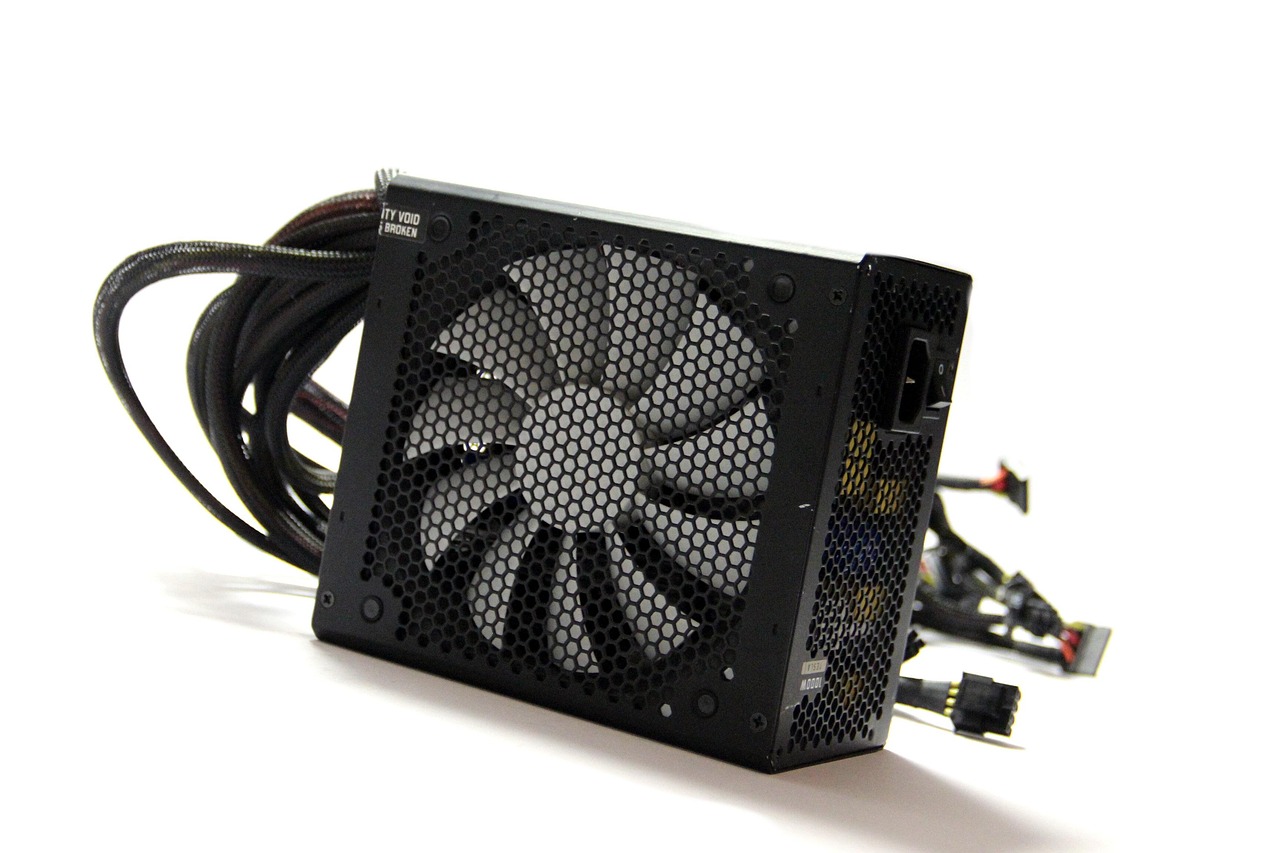
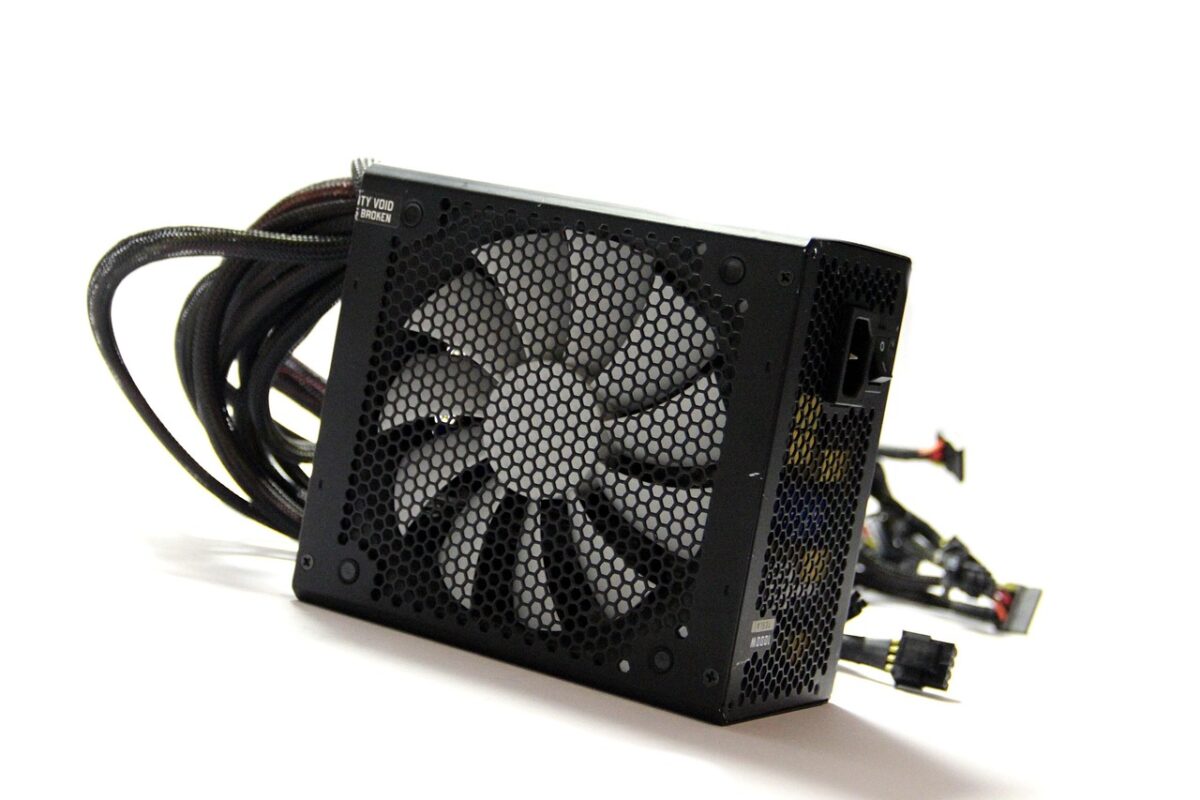
Dust in a computer raises temperatures, which raises fan speed, which pulls in more dust. Clearing it once or twice a year is one of the highest-value maintenance jobs there is, and the choice of tool changes how safely it goes.
What canned air actually contains
Not air. A liquefied fluorocarbon propellant that boils off as gas. Held upright it delivers gas; tilted, it delivers liquid that is cold enough to cause frost burns on skin and thermal shock on components.
That single behaviour explains most of the damage attributed to canned air. Used upright, in short bursts, it is safe and effective.
Why cans get cold and weak
As propellant evaporates it draws heat from the remaining liquid, so pressure drops during use. This is why a can seems to run out halfway through a job and recovers after ten minutes. Warming it in the hand helps slightly; the effect is inherent.
For a long job – a full desktop strip – a single can is often not enough, which is where the running cost adds up.
Cordless dusters: air, at a constant rate
An electric duster is a small high-speed blower. It moves genuine air, does not get cold, does not run out mid-job, and has no propellant to mishandle. Output is usually lower peak pressure than a fresh can but sustained indefinitely.
For anyone cleaning more than one machine a year, the cost crosses over quickly. For a single annual clean, a can is still the cheaper option.
Hold the fans still
This applies to both tools and is the most important rule here. Spinning a fan with airflow turns it into a generator and can push voltage back into the board. Hold each fan blade with a finger or a cable tie while blowing through it.
It takes two seconds per fan and it is the difference between cleaning a machine and replacing a component.
Blow outward, not inward
Directing air into a heatsink from the outside pushes the dust further into the fins. Work from the inside out where possible, and from the exhaust side towards the intake. On a laptop, blow into the exhaust vent so debris exits the intake.
Do this outdoors or over a bin. The dust has to go somewhere and indoors it goes onto the desk and back into the machine.
Static and moisture
Neither canned nor electric dusters generate meaningful static on their own. What does matter is doing this on carpet in socks. Touch a grounded metal surface first, or wear a strap.
Compressed air from a workshop compressor is a different matter entirely – it carries moisture and oil and should never be used on electronics without a filter and dryer.
Filters and battery on cordless units
A duster with an inlet filter stays cleaner internally and lasts longer. Battery capacity determines run time, typically fifteen to thirty minutes at full speed, which is more than enough for a full desktop.
Check the charging port type. As with everything else, a device that charges over USB-C is one fewer cable to keep.
What not to blow out
Optical drives, exposed sensor assemblies in cameras, and anything with loose thermal paste already exposed. Camera sensors in particular should be handled with a purpose-made blower bulb, not a high-pressure duster.
Keyboards are fine. Screens should be dusted with a cloth rather than blown, because blowing drives grit across a coated surface.
A sensible routine
Twice a year for a desktop in a normal room, more often with pets in the house. Laptops once a year. Check the exhaust vent temperature and fan noise as the trigger rather than the calendar – a machine that has become audibly louder is telling you it is due.
We list output pressure, run time, filter presence and charging type on every duster we stock, because those are the four that separate a tool from a novelty.