A smart plug is a relay with a radio in it. That is the whole device, and understanding it that literally explains both why it is so useful and why it disappoints people who expected more. It cuts power or restores it, on a schedule, on a voice command, or when another device asks it to. It does not make the appliance behind it smart.
The appliance has to survive losing power
Anything with a mechanical switch works perfectly: a lamp, a fan, a heater with a dial, a Christmas tree. Anything with a soft-touch button that remembers being off will come back on and stay off, because restoring power is not the same as pressing its button.
The test before buying is simple. Switch the appliance on at the wall, unplug it, plug it back in. If it starts working immediately, a smart plug will control it. If it sits there waiting for a button press, it will not.
Wattage rating is not a formality
Plugs are rated in amps or watts and the rating is a hard limit. A 10A plug will not safely run a 2kW heater, and the failure mode is heat rather than a polite refusal. Check the appliance’s rating plate and compare it to the plug’s stated maximum.
High-draw appliances – heaters, kettles, anything with a motor and a compressor – need a plug specifically rated for them, and many manufacturers exclude them explicitly in the manual. That exclusion is there for a reason.
2.4GHz, and why setup fails
Most Wi-Fi smart plugs use 2.4GHz only. Modern routers often present a single network name for both 2.4GHz and 5GHz bands, and the plug simply cannot see it. This is the single most common setup failure and it looks like a broken device.
The fix is either to separate the bands temporarily in the router settings, or to use a phone connected to the 2.4GHz band during pairing. Neither is difficult once you know that is the problem, and neither is obvious if you do not.
Energy monitoring: useful, approximate
Plugs with energy monitoring report power draw over time, which is genuinely interesting the first month and useful for finding a standby load you did not know about. The accuracy is adequate for comparison, not for billing.
Where it earns its cost is in identifying the two or three devices in a home that draw meaningfully when idle. Once found, the plug then fixes the problem it identified.
Schedules versus automations
A schedule runs at a time. An automation runs on a condition – sunset, a sensor, another device’s state. Schedules work without any other hardware; automations usually need the plug to be part of a wider platform.
For most homes, two schedules and a voice command cover everything they actually wanted, and the elaborate automation is never built.
Physical size and socket blocking
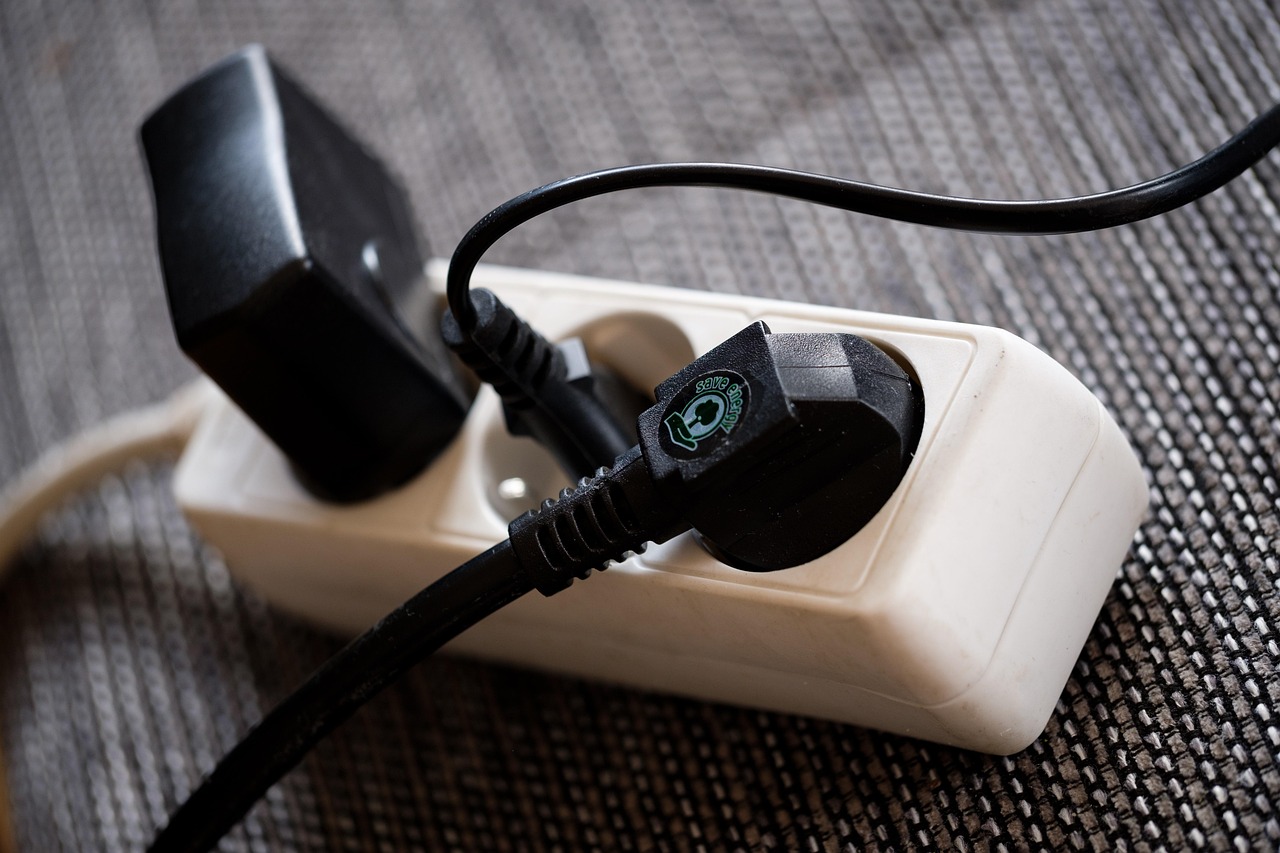
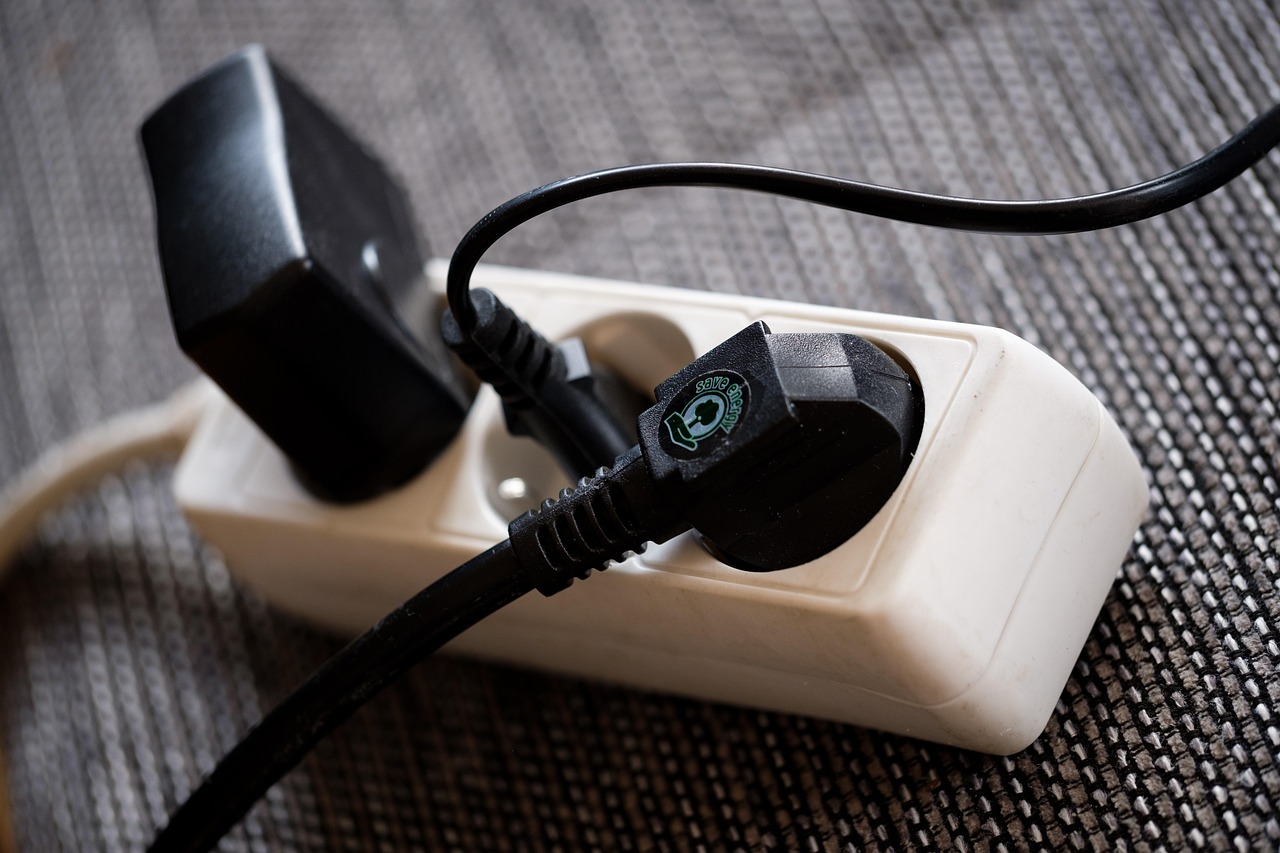
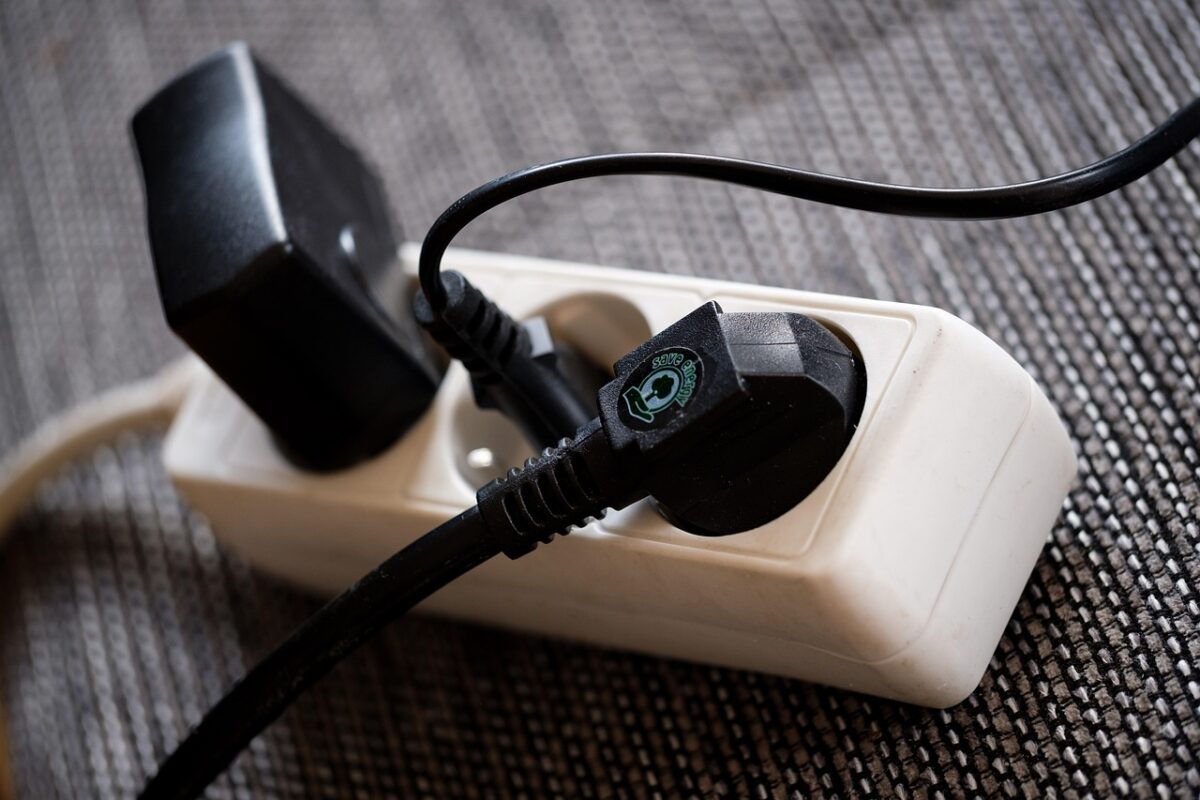
A bulky plug in a double socket blocks the second outlet. Compact designs and side-entry plugs avoid it. This is worth checking against your actual socket layout, particularly behind furniture where the socket is already awkward.
Outlet extenders with built-in surge protection and several sockets are often a better answer than three individual smart plugs in a crowded corner.
Local control matters more than it sounds
A plug that only works through a manufacturer’s cloud stops working when your internet does, or when the manufacturer discontinues the service. Plugs supporting a local protocol, or a standard like Matter, keep working on the home network alone.
This is the single specification most likely to determine whether a plug is still useful in five years, and it is rarely on the front of the box.
What about a hub
Wi-Fi plugs need no hub, which is why they are the easy entry point. Zigbee and Z-Wave plugs need one, are more reliable at scale, and do not load the Wi-Fi network with a dozen extra clients.
Below about six devices, Wi-Fi is simpler. Above that, a hub starts paying for itself in reliability.
Safety, briefly
Do not daisy-chain smart plugs, do not use one on a medical device, and do not put one on anything that must never lose power – a fridge freezer, an aquarium heater, a router. A relay can fail, and it can fail open.
For anything in that category, the correct answer is a plug with a physical bypass or no smart plug at all.
What to check on the listing
Rated amps and watts, the frequency band, whether the plug works locally or cloud-only, the physical dimensions, and whether energy monitoring is included. Every plug we stock states all five, because between them they answer whether the plug will do the job you bought it for.